What does Teambridge time tracking do?
Teambridge helps teams capture time and attendance data, connect it to shifts and workers, and review exceptions before payroll.
GPS time clock app with geofencing
Teambridge connects mobile clock-ins to the scheduled shift, worker, site, and review workflow. Location rules validate the punch. Exceptions surface before payroll review.
Mobile time clock
Workers open the Teambridge app and clock into the shift already waiting for them. One tap captures the time and location context without job-code searches or separate forms.
Today’s assigned shift
7:00 AM
to 3:30 PM

Maya Rodriguez
Registered Nurse
Clock-in verified
Record ready for review

No manual match required.
Scheduled shift → mobile punch → review-ready time
Live shift status
From arrival to clock-out, Teambridge turns location, punch, break, and hours data into one live shift record. Your team sees what happened, which specialist handled it, and what comes next.
One current record replaces manual status chasing.
Maya Rodriguez
North Campus · 7:00 AM to 3:30 PM
Event time
7:52 AM
Geofence detected
Maya entered the assigned North Campus boundary.

Handled by
Attendance Specialist
After the shift
Clock out can finish the record, collect the proof your operation needs, and turn attendance history into something your team can act on.
At clock out, the Time Card Specialist prompts for the fields your workflow requires. Manager signatures, client ratings, and shift notes stay attached to the same shift record.

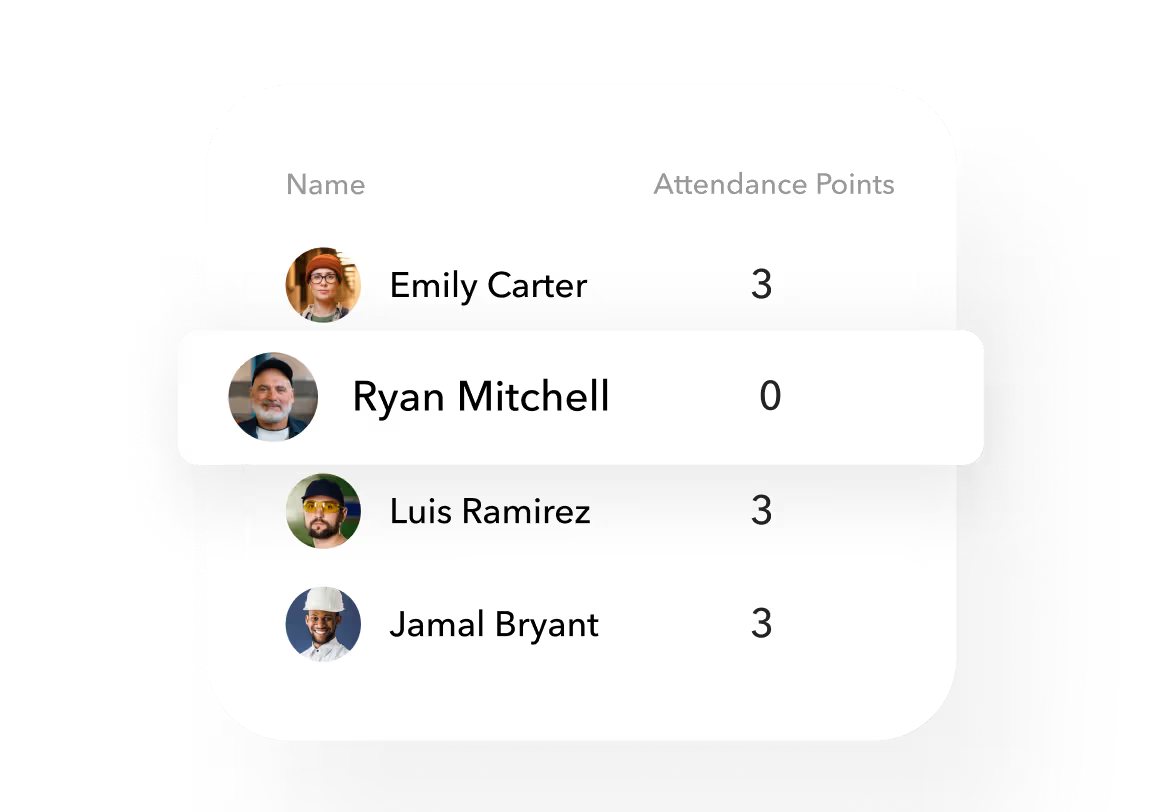
The Payroll Prep Specialist uses attendance data to calculate points and tier staff. Reliable workers can earn benefits such as earlier access to shifts, based on rules your team controls.
Timecard review
Teambridge holds the schedule, punch history, location, and required fields together. Managers see the difference and the evidence in the same view.
Compare
Scheduled and recorded time stay together.
Understand
Worker, site, role, and history stay visible.
Decide
A manager resolves only the edge case.
Review queue
3 sample records to inspect
Missing clock out
North Campus · Registered nurse
Scheduled
7:00 AM to 3:30 PM
Recorded
7:02 AM to missing
Please confirm when your North Campus shift ended so your manager can review the time record.
Sample draft. No message is sent.
Confirm the actual end time with the worker before recording a correction. Keep the explanation with the record.
One configurable workflow
A missing clock out is one example. Choose the event, timing, and escalation path for the work in front of you. Teambridge runs the follow-up and returns only unresolved work to a person.
01 · Trigger
Shift ended 15 minutes ago
Start from the scheduled end time
02 · Condition
Clock out is still missing
Check the same timecard again
03 · Action
Send Maya a reminder
Keep the message on the shift record
Maya Rodriguez
Today 3:45 PM
Your North Campus shift ended 15 minutes ago. Your clock out is still missing. Can you confirm your end time?
Confirmed. I clocked out at 3:32 PM.
Delivered
Timecard updated
3:32 PM is ready for manager review.
.webp)

Healthcare staffing · Tualatin, Oregon
Customer proof
“Teambridge’s time tracking, reporting, and client invoicing has enabled us to save 3 or 4 people on headcount.”
“We’re able to focus those people on generating revenue rather than just tracking revenue.”
Julie Tate
Express Healthcare Staffing
Connected workforce operations
Time tracking works better when it already knows the schedule, worker, site, and workflow around it. Teambridge keeps those products connected without pretending every exception is automatic.
Scheduling
Supplies the expected shift, role, site, and worker assignment behind every time record.
02Worker app
Gives workers one mobile place to see the shift, clock in, and complete required actions.
03Automations
Routes reminders, follow-up, and review work when a defined time event occurs.
04AI agents
Lets Tally compare submitted timesheets with mobile clock data and flag discrepancies for review.
05Invoicing
Keeps approved time connected to the client and billing workflow that depends on it.
Time and attendance solutions
Helios is the AI agent built into Teambridge. Tell it what you need in plain words, and it builds, updates and runs the work for you.
Get early accessSee your time workflow
Bring us the way workers clock, managers review, and payroll gets prepared today. We’ll map where Teambridge can remove repeat work without removing the decisions your team owns.
One working session. Your real rules. A clearer path forward.
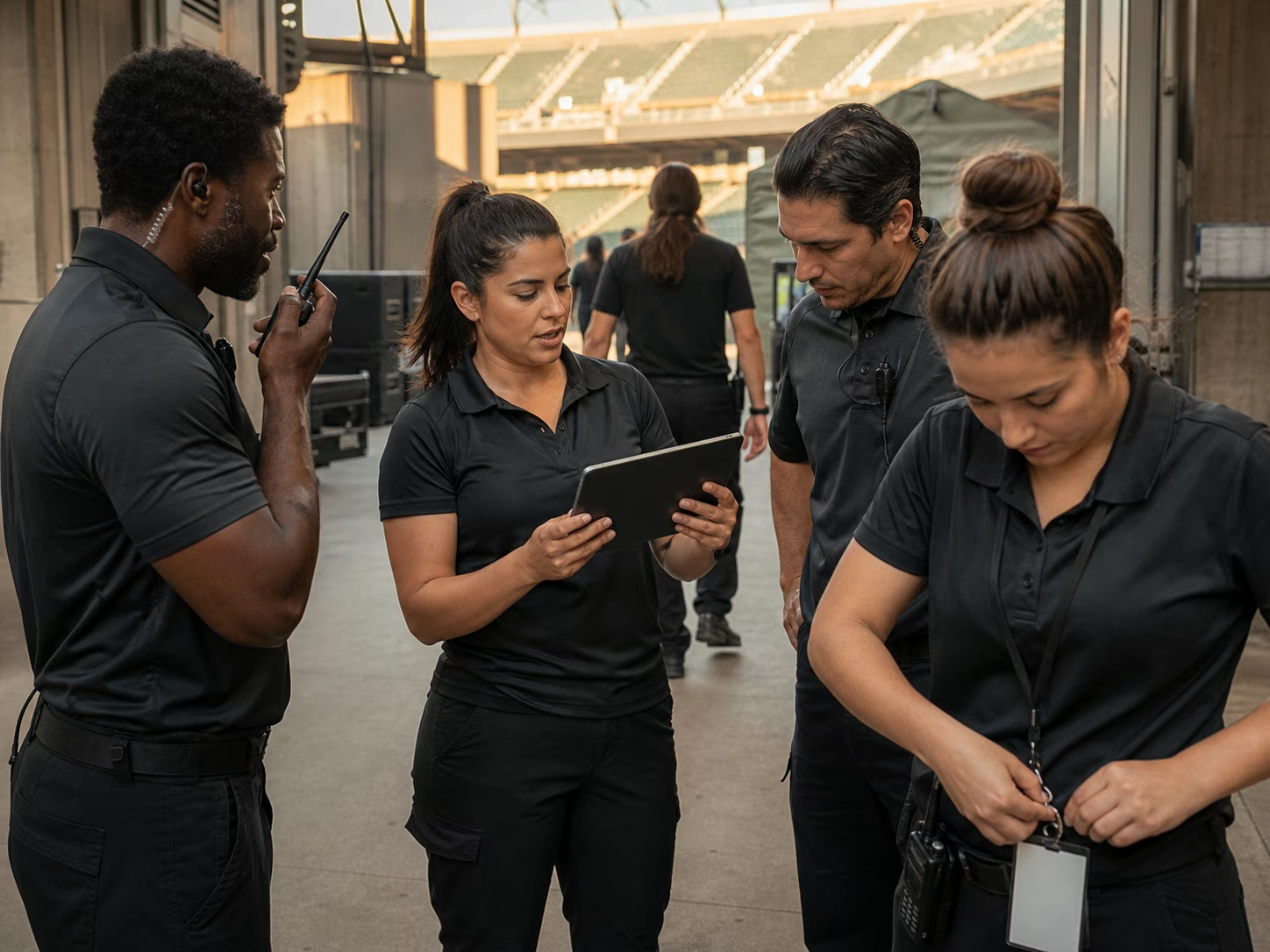
Map the real operation
Capture, review, follow up, and payroll handoff in one connected workflow.
For teams running hourly work
Workers clock in from the Teambridge app while operations teams see attendance context connected to the right shift, worker, and location.
Teambridge helps teams capture time and attendance data, connect it to shifts and workers, and review exceptions before payroll.
Yes. Teambridge can use AI agents such as Pulse to check whether workers are on their way and flag high-risk shifts before they become no-shows.
Yes. Tally reads submitted timesheets, compares them with mobile clock data, and flags discrepancies for review.
Evaluate the workflow
Review worked time with shift and location context before the payroll handoff.
Request a product demoSee the requirements, operating examples, and configuration questions for your team.
Store, department, and role. Built around store associates.
Rooftop, department, role, schedule, and location. Built around sales, service, parts, detail, and dealership support employees.
Facility, unit, specialty, and assignment. Built around clinicians and care staff.
Client, location, role, and assignment. Built around candidates, workers, and placed talent.
Venue, event, gate, zone, and role. Built around event staff, ushers, security teams, and guest services.
Facility, line, zone, role, and shift. Built around warehouse, manufacturing, and logistics workers.
Client, visit, service area, and caregiver match. Built around caregivers and field care teams.
Facility, unit, discipline, and shift. Built around nurses, aides, and facility care teams.
Client, site, post, license, and patrol zone. Built around security officers and mobile guards.
Client, site, service window, scope, and zone. Built around cleaners and mobile site teams.
Property, department, role, and daypart. Built around housekeeping, front desk, food service, engineering, and event staff.
Project, job site, trade, crew, and cost code. Built around craft workers, crews, subcontractors, and field teams.