Workforce communication
Employee communication software.
Send targeted workforce messages using the people, roles, locations, and shifts already in Teambridge. Then keep delivery, replies, files, and follow-up connected to the work that started the conversation.
Bring one communication workflow. We’ll map the audience and response path.
Communication
One workforce conversation
Maya confirmed the 7:00 AM start.

Reply attached to the shift
Audience builder
Start with the roster.Not another contact list.
Build an audience from live workforce context. Reach the people assigned to a location, working a role, joining a team, or affected by a schedule change without copying names into a separate system.
- Target by workforce attributes and operational context
- Keep the recipient set aligned with current records
- See the audience before the message goes out
New audience
North Campus morning team
Maya Rodriguez
Registered Nurse · North Campus

Andre Lewis
Care Assistant · North Campus

Nina Patel
Registered Nurse · West Clinic

Jordan Reed
Shift Lead · North Campus
Ready to send
Audience is resolved from current workforce data
Response state
A sent message is not a finished job.
Follow the communication from its intended audience to the people who saw it, replied, or still need attention. Your team can act on the exception instead of asking everyone again.
Live communication
Status visibleNorth Campus evening shift starts at 7:30 PM today.
Please confirm the updated start time in this thread.
The next action stays connected.
Follow-up can be triggered from the same status when your workflow calls for it.
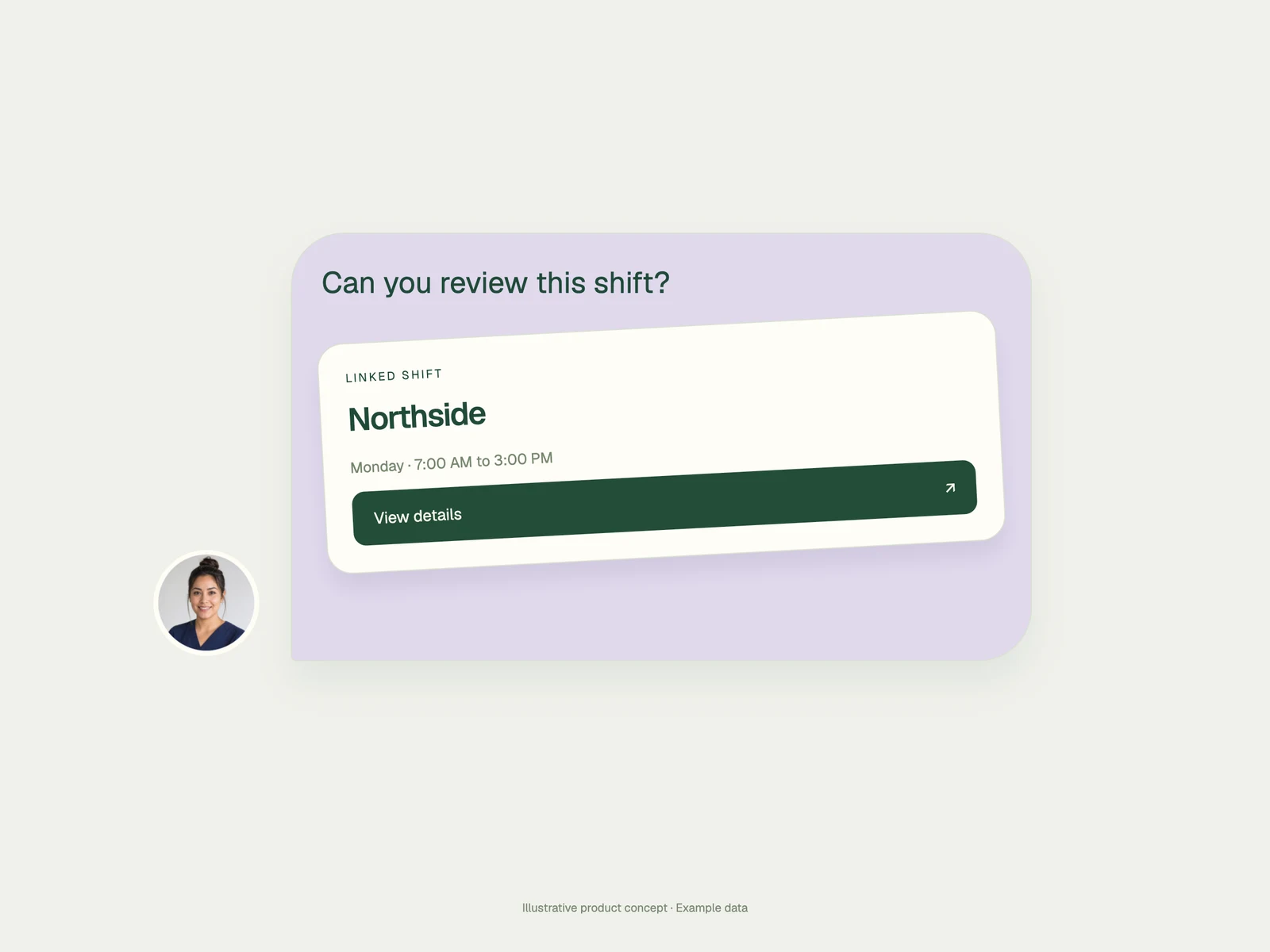
Operational context
Keep the reply with the work.
A shift response should not disappear into a group chat. Teambridge keeps the person, assignment, message history, and next action in one operational thread.
A conversation people can act on
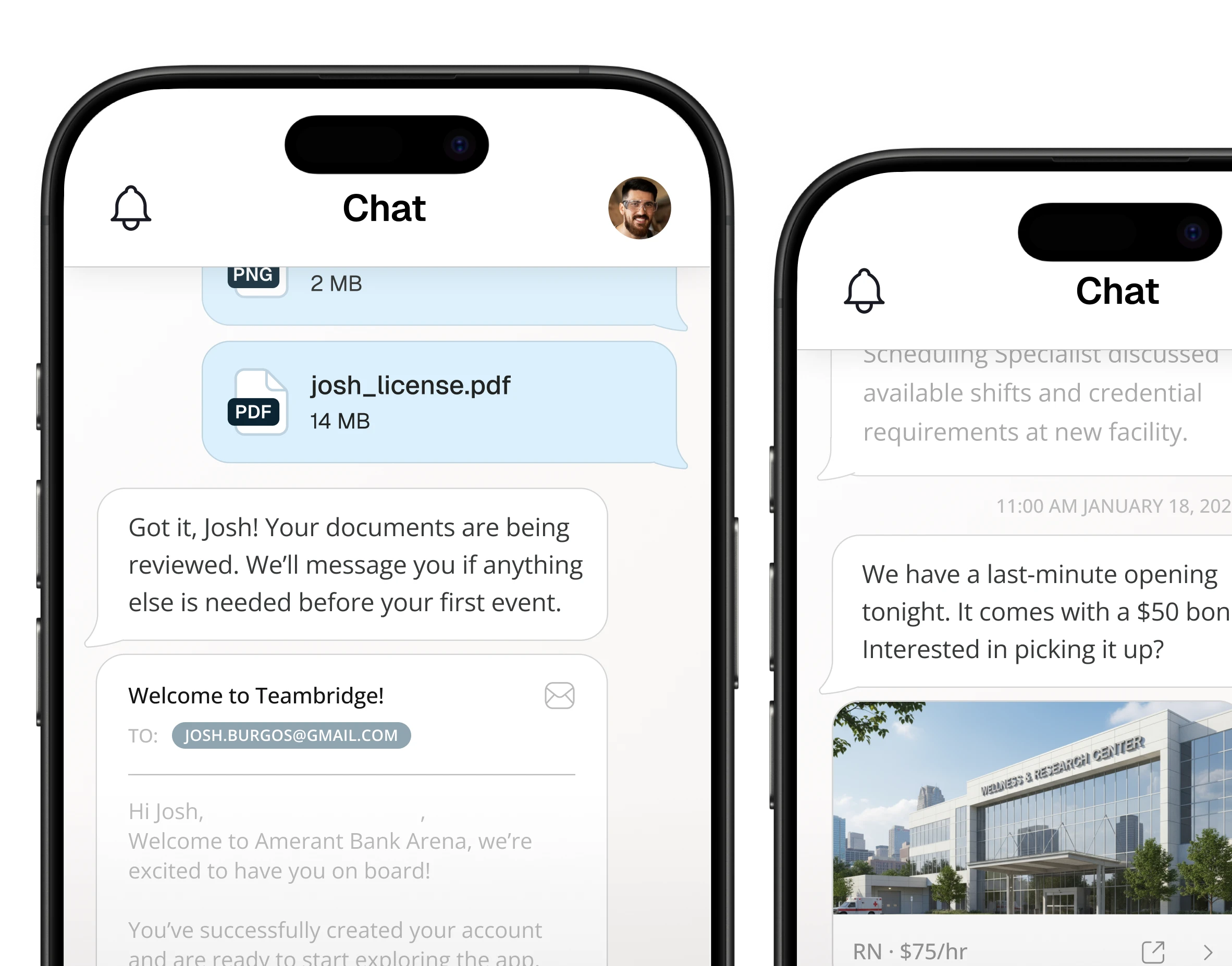
Workers can reply in the same experience they use for their work.
The document travels with the request
Attach the file or instruction that gives the message meaning.
The response becomes visible context
Your team can see what happened without reconstructing it elsewhere.
Conversation continuity
One conversation.More than one way to reach it.
Use communication in the app as the operational record, then support delivery through the channels your workforce actually checks when they are enabled for the workflow.
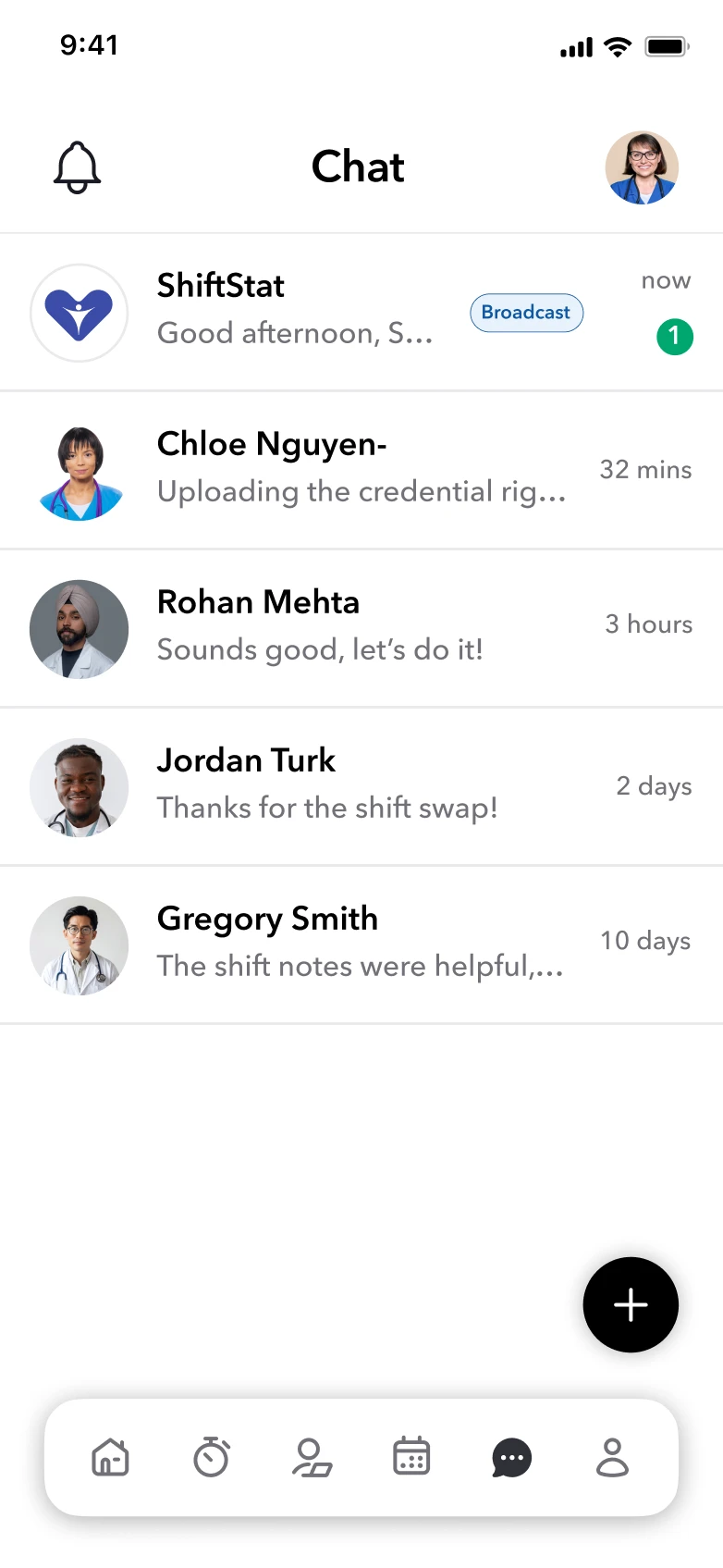
In app
The full thread, file, reply, and workforce context live here.
SMS
Support timely delivery when text delivery is configured.
Give longer updates and attachments an additional route.
Where it earns its place
Put communication inside the moment that needs it.
A shift changed
Reach only the people whose work changed, collect confirmations, and keep the replies with the schedule.
A credential is missing
Send the request with the right document context and see who still needs a follow-up.
A new hire needs a next step
Keep welcome messages, documents, and onboarding actions in a conversation the worker can follow.
An operations update cannot get lost
Target the affected workforce, attach the instruction, and make response state visible to the team.
Connected work
The message is part of the operation.
Communication gets more useful when the schedule, document, onboarding task, and worker record are already present. Teambridge keeps the conversation connected to that source.
Product questions
What communication leaders ask
The practical questions behind audience targeting, response visibility, channels, and follow-up.
Employee communication software gives operations teams one connected way to target workforce messages, deliver them through configured channels, collect replies, share files, and follow up with the people who still need attention.
Yes. Communication can use Teambridge workforce context such as people, roles, locations, and assignments to define the intended audience. The exact targeting available depends on the records and workflow your team has configured.
Teambridge supports in-app communication and can support channels such as SMS, email, and mobile push where they are enabled and configured for your workflow. The in-app thread remains the clearest place for the operational context and response history.
Teambridge can surface delivery, read, acknowledgment, and reply states for supported communication flows. This lets teams focus on the people who still need attention instead of resending the message to everyone.
When paired with Teambridge Automations, a communication status can be used in a configured workflow for reminders, routing, or manager review. Your team controls the trigger, timing, conditions, and follow-up action.
Close the loop
Show us the message your team still has to chase.
We’ll map the audience, the operational context, the response state, and the follow-up that should happen next.
.webp)