Mobile workforce management software
Mobile workforce management software.
Schedules, open work, onboarding, time, messages, and earnings arrive as one clear next action in your own branded worker app.
Built around the worker · Branded around your business
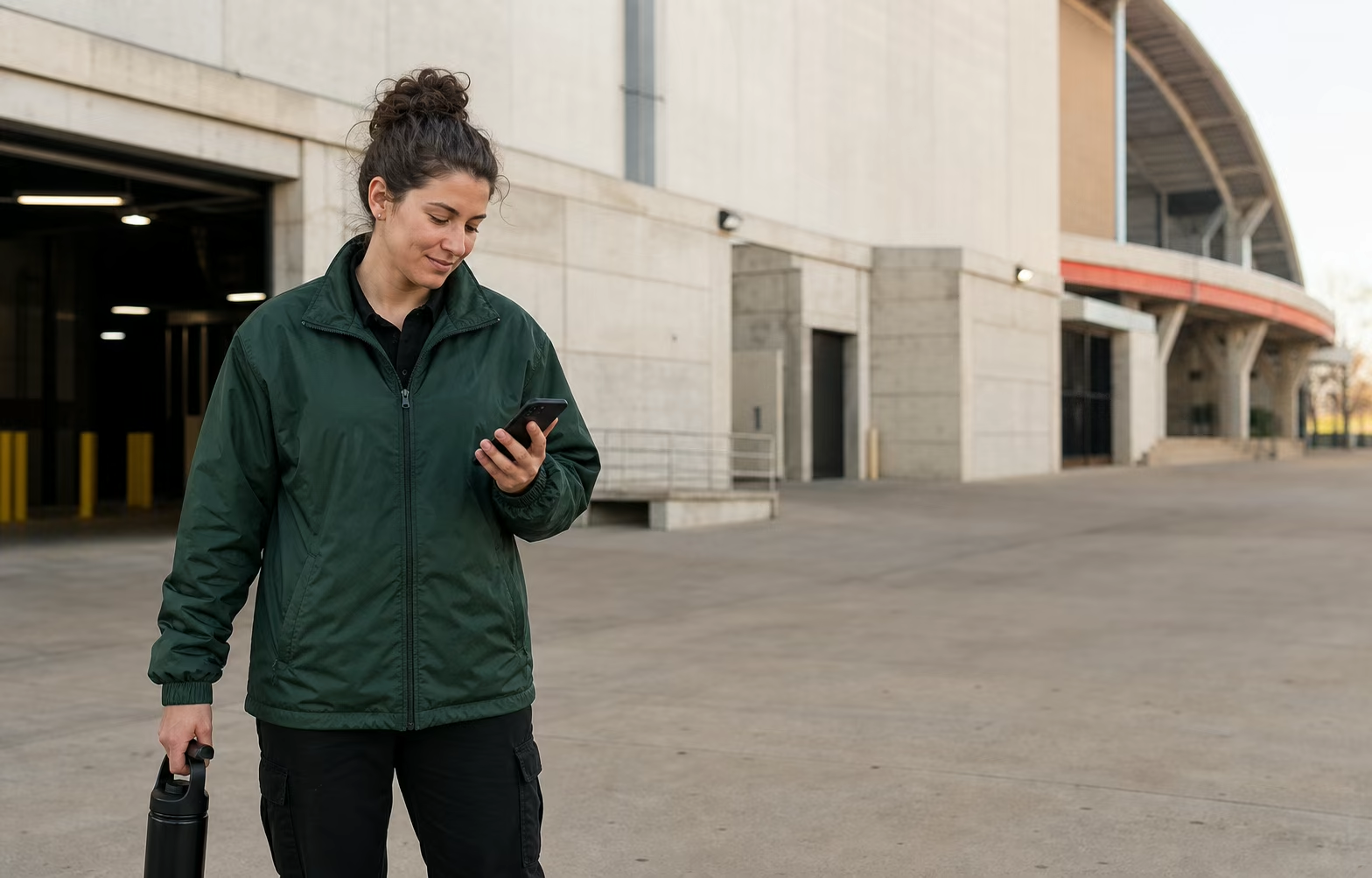
The workday.
In their hands.
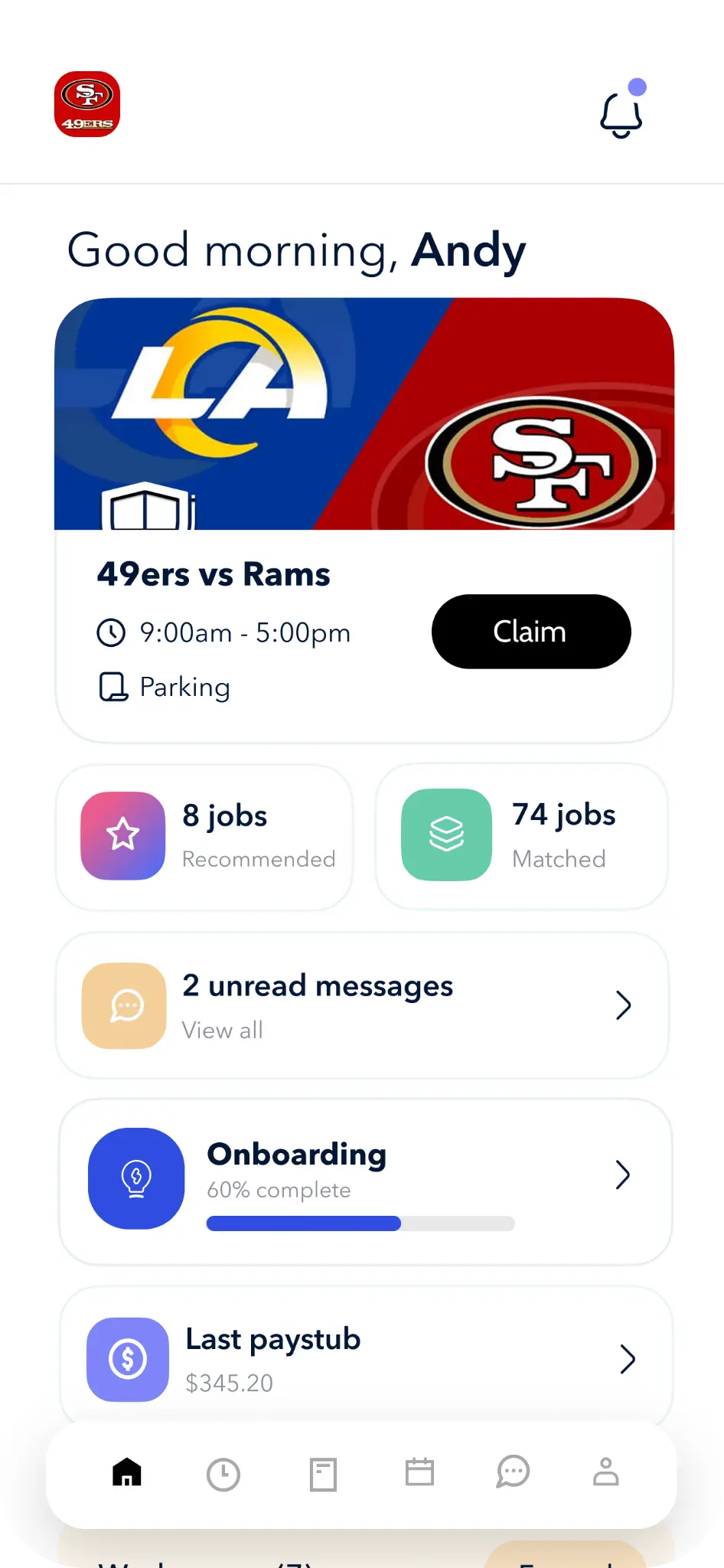
One workday
Stop making workers switch contexts.
The app changes with the work. A new hire sees onboarding. An active worker sees the next shift. A completed shift makes hours and pay easier to follow.
Workers can submit the leave type, dates, and hours, then see the request status in the same mobile experience.
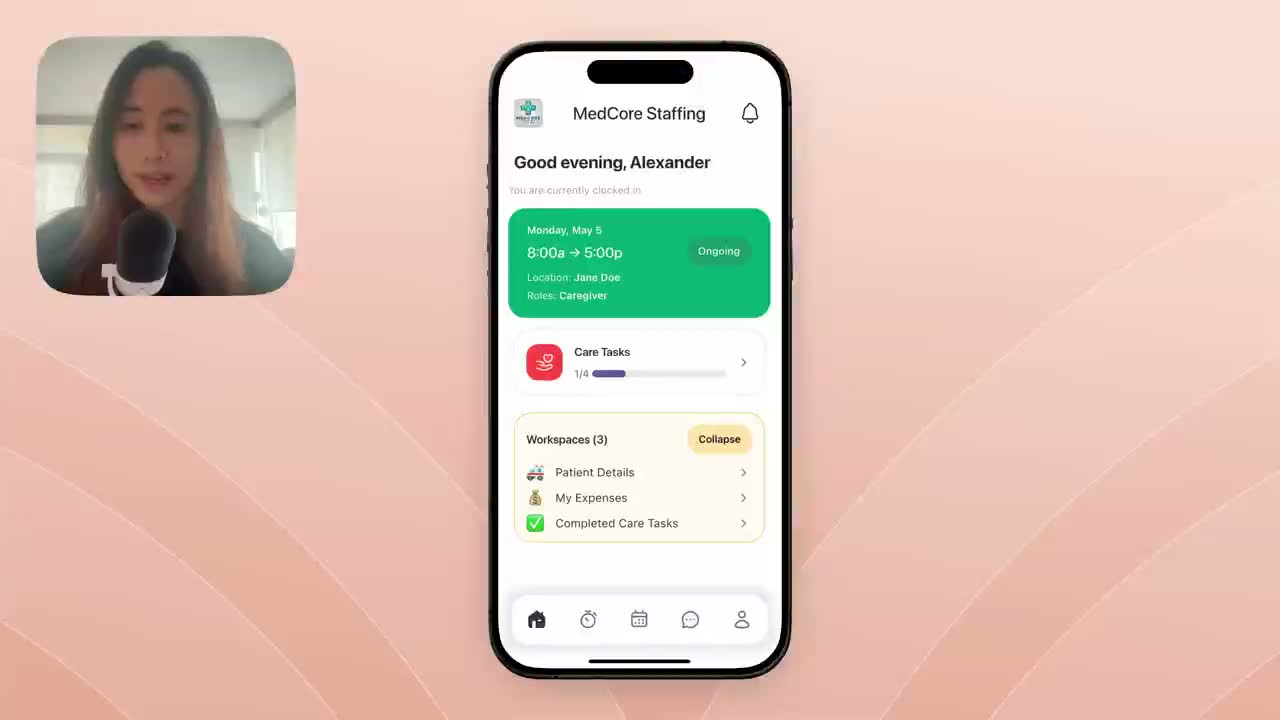
Same worker record. New next step.
Built for a thumb, not a desk
A worker app should feel like an app.
Mobile is not the admin interface squeezed into a smaller rectangle. Teambridge keeps the action, context, and next decision readable on the screen workers actually use.
Desktop logic on mobile
Too much interface. Not enough action.

Teambridge mobile
The next useful action comes first.

Your worker experience
Make the app feel like your operation.
Use your brand and configure the tools workers need. The experience can reflect the way your team talks, works, and moves through the day.
Brand the experience
Bring your identity into the app workers return to.
Prioritize the right tools
Give different worker groups the actions that matter to them.
Respect roles and permissions
Keep each person inside the access your operation defines.

Connected work
One app. The whole workday behind it.
The mobile experience is useful because it shares the same worker, shift, time, message, and pay context as the rest of Teambridge.
Product questions
What mobile workforce teams ask
The practical questions behind a worker app that carries real operational context.
Mobile workforce management software gives frontline workers one connected place for schedules, open work, onboarding, time off, time tracking, documents, messages, and earnings while keeping each action tied to the workforce record.
Yes. Workers can submit a time off request with the leave type, dates, and requested hours, then follow the status from mobile. Policy and approval behavior depends on the workflow your team configures.
Yes. Teambridge supports a branded worker experience so the app can reflect your organization and the tools your workforce needs.
No. The worker experience is designed for mobile actions. It presents the next useful task without reproducing the full back-office interface on a smaller screen.
The app can reflect configured roles, permissions, and workflows, so workers see the actions and information appropriate to their work.
Design the worker experience
Show us what workers need on day one.
We’ll map the shifts, time, messages, documents, and pay actions that belong in their mobile workday.